

Create and automate professional MSI and MSIX packages for your desktop application.
Master Packager Dev - focus on your app, not the installer.
Who are you?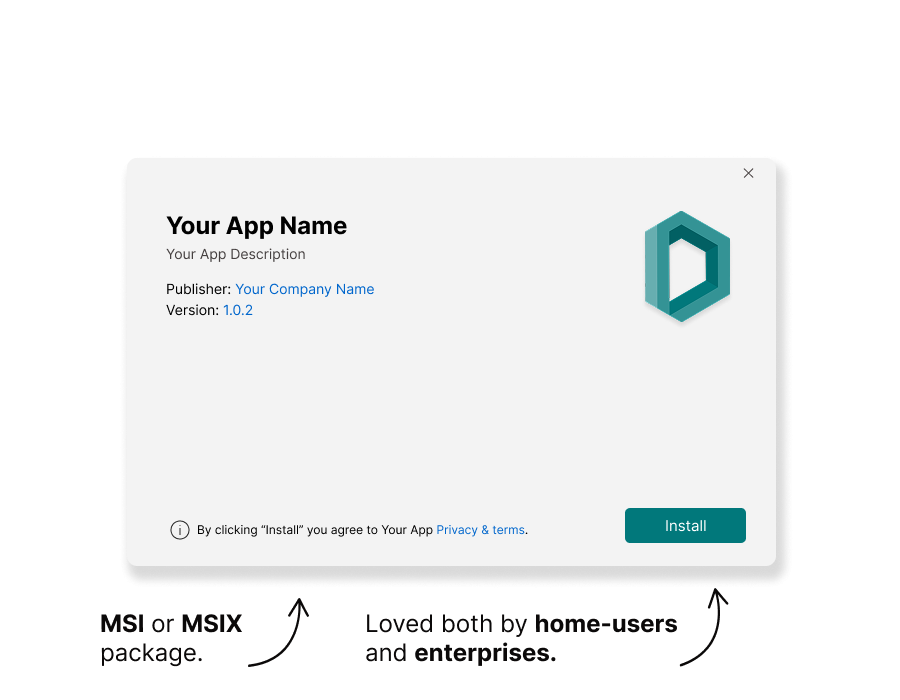

How It Works?
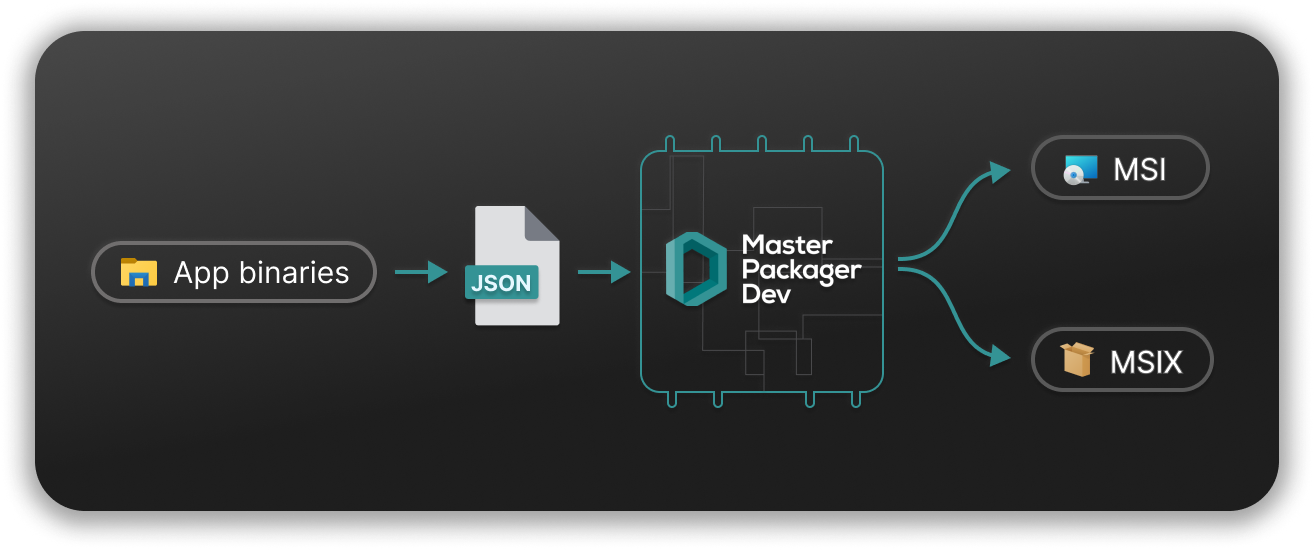
- Install Master Packager Dev software.
- Have all your app binaries (files, registries, services, etc.).
- Create a JSON project file that describing your installer using documentation.
- Run the command line:
mpdev build path-to-JSON-file. - Get MSI and MSIX installer packages, ready to distribute to your end-users.




Let Your Users Install Your App Today.
Master Packager Dev outputs high-quality MSI and MSIX installer packages.
These packages are ideal for:
1. Manual distribution: Store it in your preferred location so end users can download and install by simply double-clicking the installer.
2. Microsoft Store: Submit it to the Microsoft Store and distribute to your users from there. Both MSI and MSIX formats are Microsoft Store ready.
3. Enterprise deployment: Let enterprise customers deploy it using mass deployment solutions like Microsoft Intune or Configuration Manager.
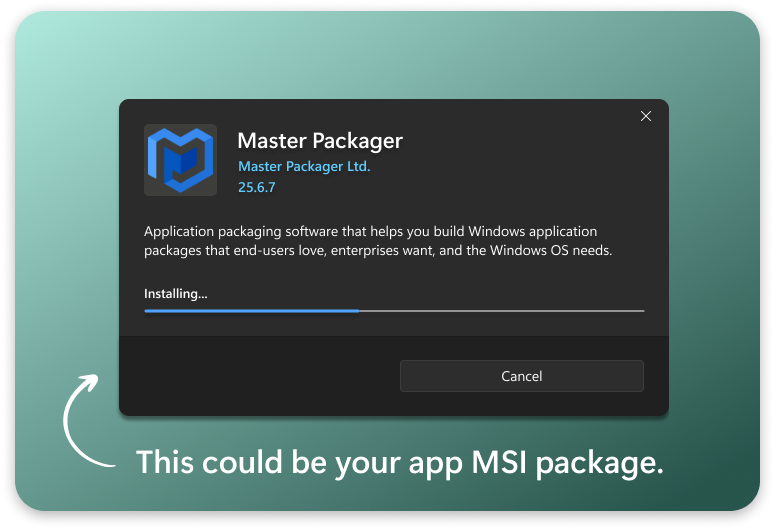

Build an Excellent Installer for Your App Today.
Building a great installer can take months, yet most developers still fail.
When they fail, it becomes expensive for both developers and end users.
- Independent software vendors spend way too much time to learn all the technical details behind MSI and MSIX.
- Open-source maintainers lose community help because of a complex installer.
- Organizations spend money to re-package installers so they can work with enterprise deployment systems.
- Home users end up dealing with errors, stuck on old versions, or with software that never fully uninstalls.
Master Packager Dev built to save and your users money and time.

Auto-Update module
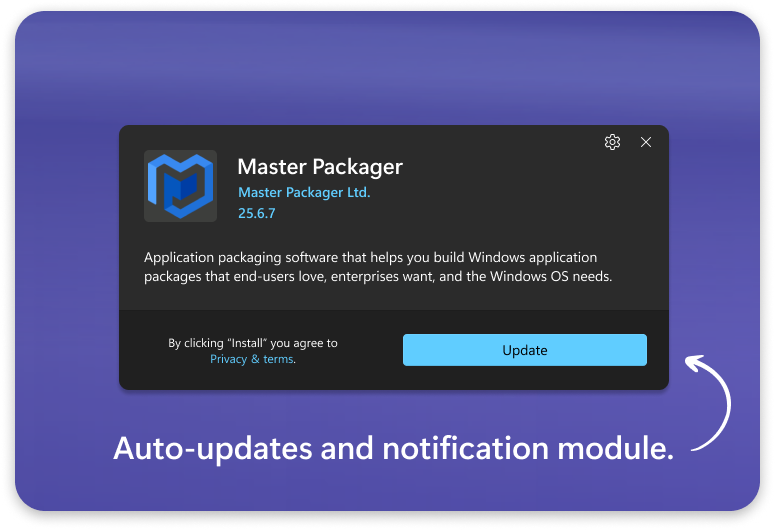
A professional, beautiful, and secure auto-update module that can be easily added to your MSI package.
The auto-update module checks the latest available version of your application, notifies the user, and installs updates silently.
When enabled, it can operate in enterprise environments and install updates in Program Files for users without admin rights - similar to how Google Chrome handles updates.

Upgrade experience
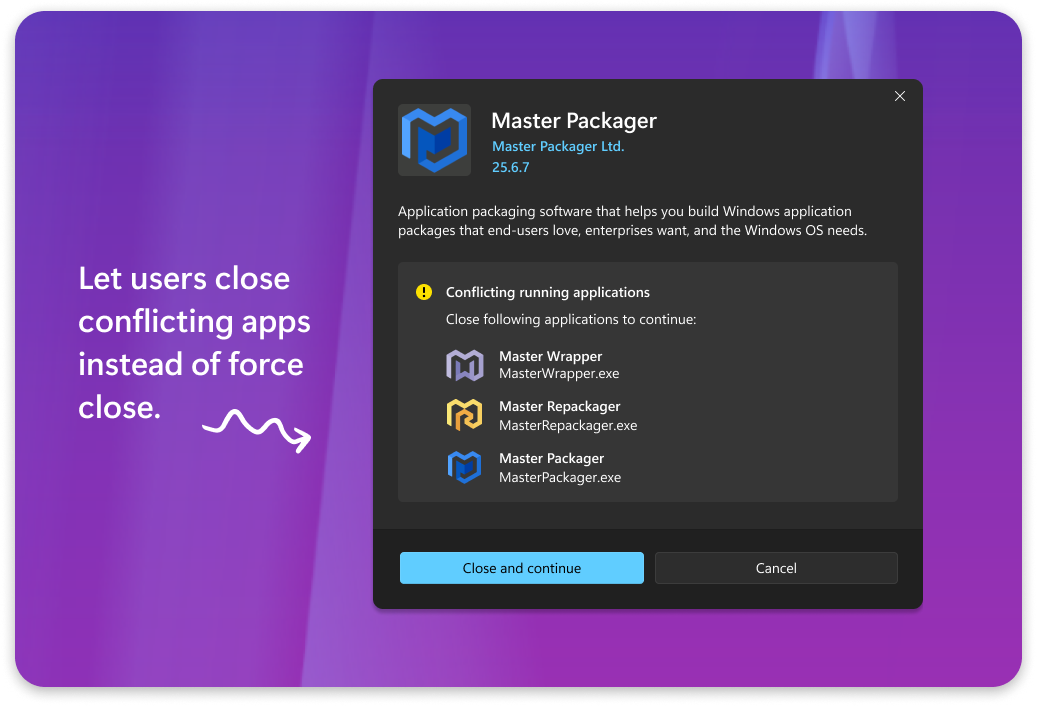
Great installer can check if previous version of the application is running and notifies user to save their work before continuing with upgrade. Most developers create this functionality from scratch on their own.
But you don’t need to spend time building something that should work by default - because it already does when building installer packages using Master Packager Dev.

Dependency management
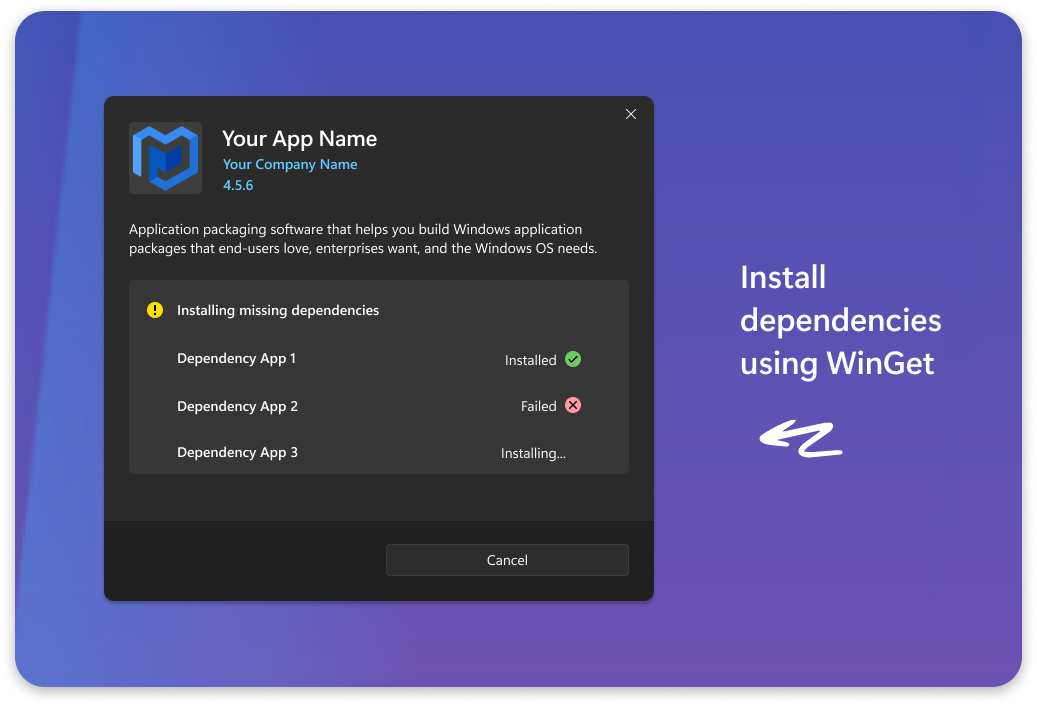
Handle your app dependencies within your installer.
Set the installer to check for required dependencies and notify the end user if any are missing. For example, if you have a Word add-in, check whether Microsoft Office is installed.
Set the installer to check for and install missing dependencies using WinGet.
Moving Away from the WiX Toolset
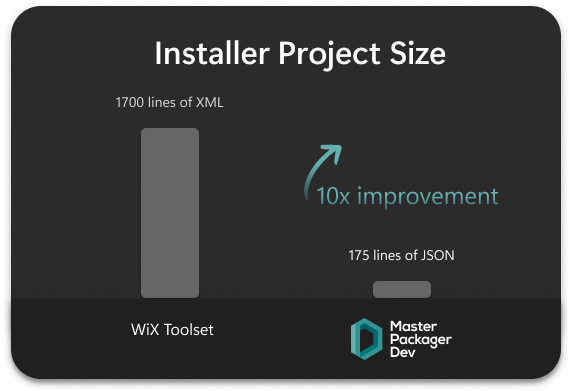
We used to create MSI packages for our apps with the WiX Toolset.
- It was too complex to get started.
- Maintaining the project was a pain.
- No auto-update module or other advanced systems available out of the box.
- Paid support was too expensive.
- No real guidance, which leads developers to build poor-quality installers.
World needed a solution that is simple, professional and affordable - Master Packager Dev.
Frequently Asked Questions
- Will I be locked to use only Master Packager Dev forever?No, quite the opposite. If you decide to stop building installers with Master Packager Dev, you can simply stop renewing your subscription and switch to any other solution. Transitioning from Master Packager Dev to another tool will be significantly easier than starting from scratch with a new solution, as you will already have all the necessary components and logic in place. Plus, you will have a clear understanding of what the final result should look like. Your installers created with Master Packager Dev will continue to work forever, even after your subscription ends.
- How can I convert my existing other solution project to Master Packager Dev?It is not possible and you should not try to automatically convert your existing solution to a Master Packager project. There is a high chance that your current project is complicated and may be doing things developers should not do when creating high-quality installer packages. All you need to know is which files, registry entries, shortcuts, and other app components need to be installed and where. Then use that information along with our documentation to build the Master Packager Dev JSON project file from scratch. Starting from scratch is worth it to get a clean and fully functional installer package for your application.
- Can I integrate Master Packager Dev into my CI/CD pipeline?Yes. You can build MSI and MSIX packages automatically as part of your CI/CD pipeline. Master Packager Dev can be executed from scripts and build agents (Azure DevOps, GitHub Actions, GitLab CI, Jenkins), enabling fully automated, repeatable package creation without any UI interaction.