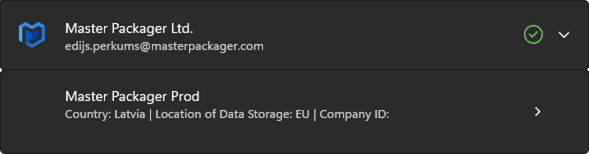
Connect to Patch My PC with Master Packager Toolbox
💎 Master Packager Pro feature
To begin uploading your packages to Patch My PC apps you will need to have a license for Patch My PC Cloud and at least one Company registered. The company has to be connected to an Intune account.

Connecting Master Packager Toolbox to your PMPC account
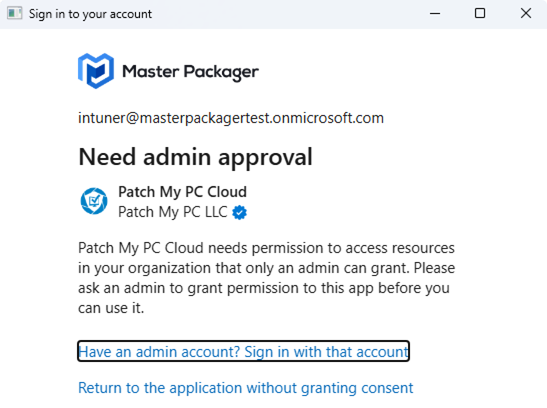
To be able to upload applications to PMPC you must first sign in using an account that has either Global Administrator, Cloud Application Administrator, or Application Administrator in your Microsoft Entra tenant. This is required to register a Microsoft Entra application that allows Master Packager Toolbox to communicate with Microsoft Graph API. If you do not have the required permissions, you will receive the following message:
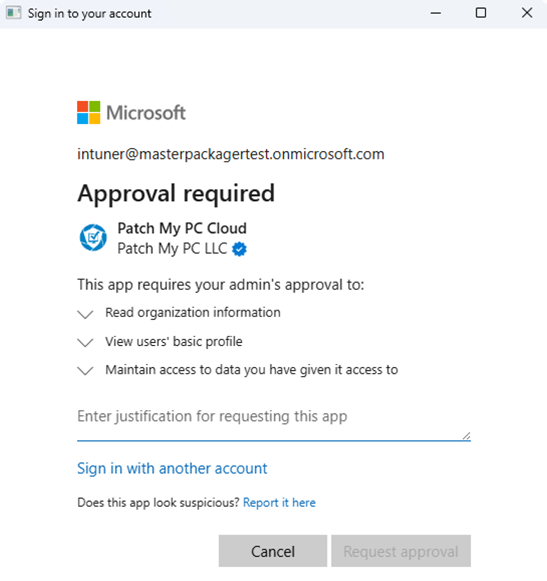
However if your organization has allowed users to request admin approval then you will receive the following message:
The Patch My PC Custom apps SDK requires some additional permissions than using the PMPC Cloud portal.
If you have the required permissions, you can tick the box and click accept.
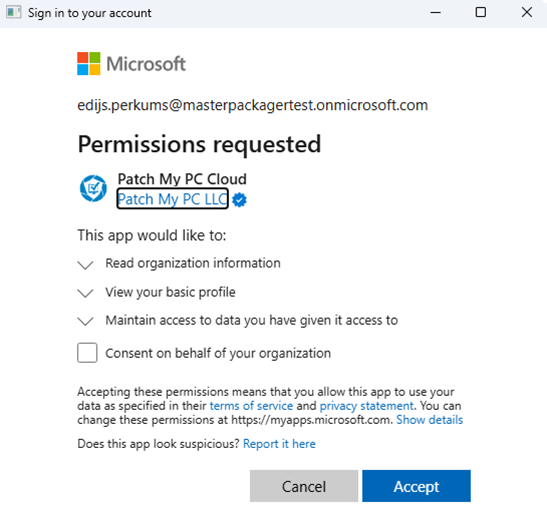
This needs to be done only once. When the application is registered you will be able to log in with any user not just the ones with privileges to register a Microsoft Entra application.