Install and Uninstall Drivers
💎 Master Packager Pro feature
This is a custom-created predefined action by the Master Packager team that installs or uninstalls drivers.
The action works by calling the necessary driver installation commands silently in the background. For driver installation, it automatically extracts the certificate from the driver file and imports it.
How to Use It
- Open your MSI or MST file with Master Packager.
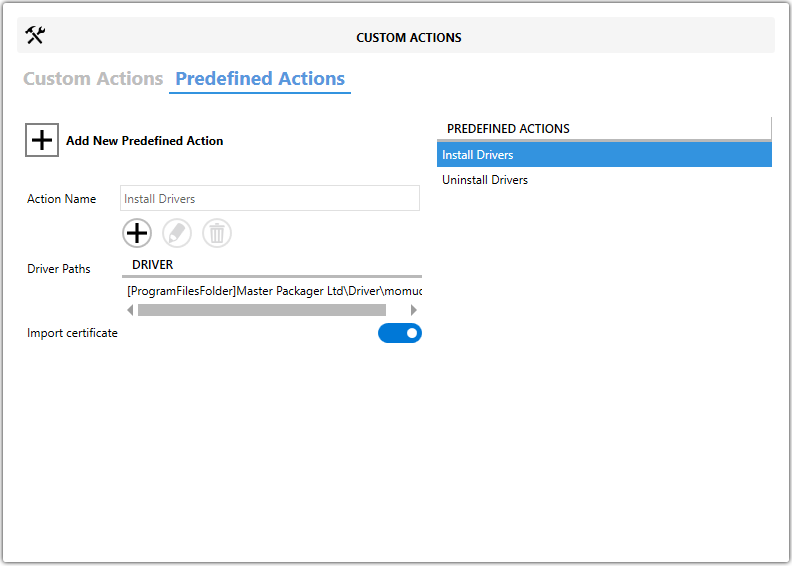
- Go to Custom Actions > Predefined Actions.
- Click Add New Predefined Action.
- Select Install Drivers or Uninstall Drivers.
- In the action view:
- Set the path to the
.infdriver file under Driver Paths. - Enable or disable Import certificate as needed.